Nothing OS 4.0 Stable Update for CMF Phone 1
CMF by Nothing Phone 1 5G has quickly become one of the most talked-about budget smartphones since its launch. Designed by CMF, a sub-brand born from the popular tech company Nothing, this device blends solid performance with unique modular customization — all at an affordable price.
 Current Update Status (Dec 2025)
CMF Phone 1 originally shipped with Android 14 and Nothing OS when it launched in mid-2024. Since then, it received the Android 15-based Nothing OS 3.0 update earlier in 2025, introducing new customisation, camera enhancements, widgets and stability improvements.
Recently, a major software update has begun rolling out to users:
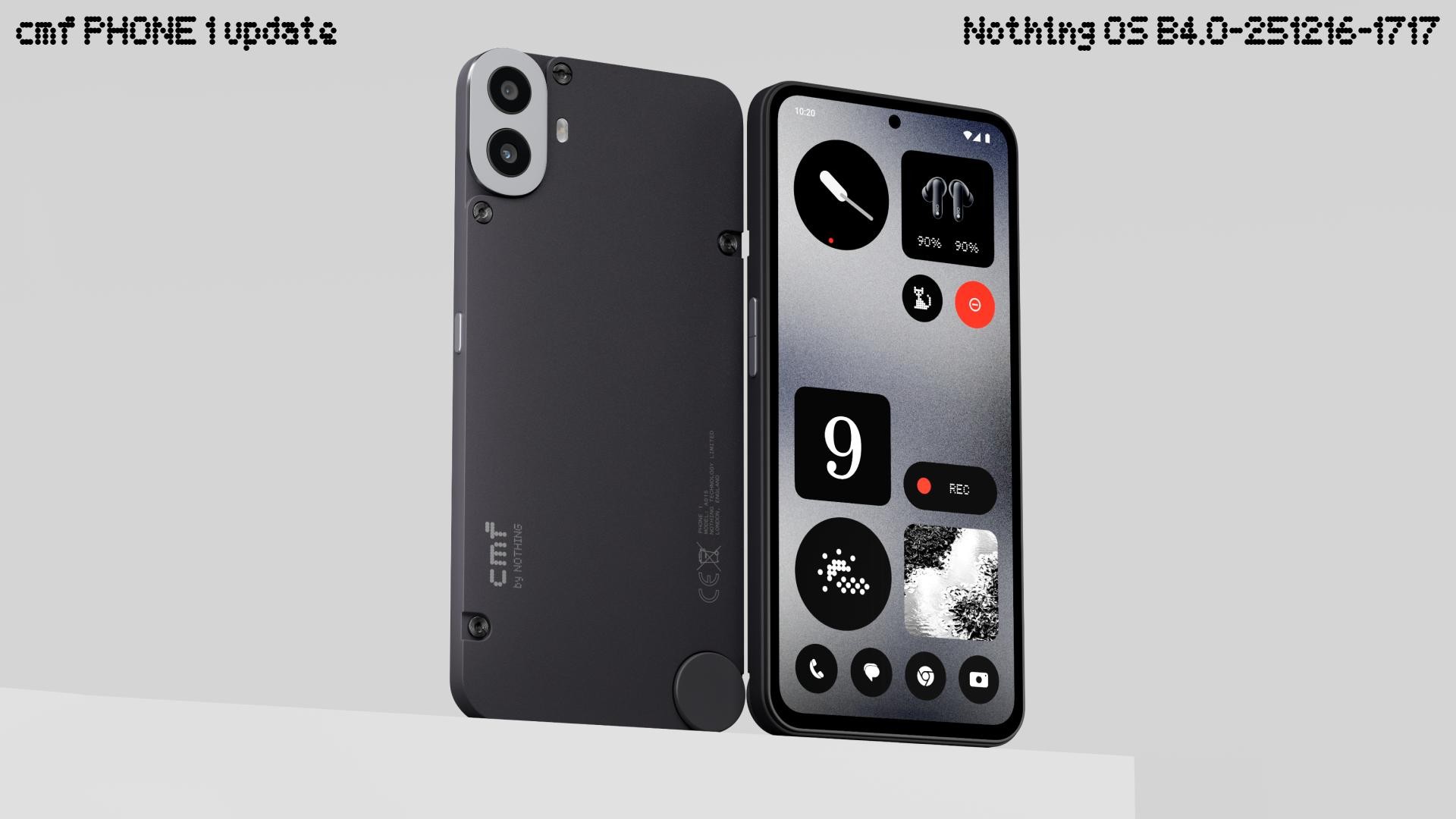
 Nothing OS 4.0 (Android 16) – based on Google’s Android 16 – is being publicly pushed to the CMF Phone 1, bringing a refreshed UI, performance enhancements, smoother interactions, new customisation options, and refinements across the system.
This update started rolling out in late December 2025, with users in major markets (including India) seeing it in stages. Features expected with this release include:
► Enhanced system animations and responsiveness
► Updated home screen & lock screen layouts
► Improved camera UI & performance
► Better stability across core apps and Bluetooth connectivity
► Enhanced security patches bundled in  (Note: rollout timing varies by region and carrier.)
 Update Expectations & Support Window
When launched, CMF promised at least 2 years of major Android updates and around 3 years of security patches for the Phone 1. Nothing.
However, some update tracking sources suggested that older models sometimes prematurely hit their supported version limits before receiving OS 4.0. Recent reports confirm the rollout is now happening widely, addressing earlier speculation about limited update eligibility.
 Security Patch Feedback:
Some users on community forums reported delays in monthly security patches toward the end of 2025 — indicating that security updates may not arrive as frequently as expected compared to flagship phones.
 How to Check & Install Updates
To manually check for updates on your CMF Phone 1:
- Go to Settings
- Tap System
- Select System Updates
- Tap Check for Updates
If available, download and install Ensure your phone has at least 40% battery and enough storage before updating.
 Why This Matters for Users
Updating your CMF Phone 1 is essential because:
 New features & optimisations (UI, performance) Improved camera and stability fixes Security patches to protect data and privacy Compatibility with newer apps and system services
Keeping your device updated means better speed, smoother multitasking, and a longer usable life — especially for a budget-friendly phone where manufacturer support is a key differentiator.
 Summary
- CMF Phone 1 launched with Android 14 and Nothing OS
- It received Android 15 update earlier in 2025
- Nothing OS 4.0 (Android 16) rollout started in Dec 2025
- Promised 2 + years of major OS updates & 3 years of security patches
- Some security updates have been slower than expected
- You can manually check for updates in Settings