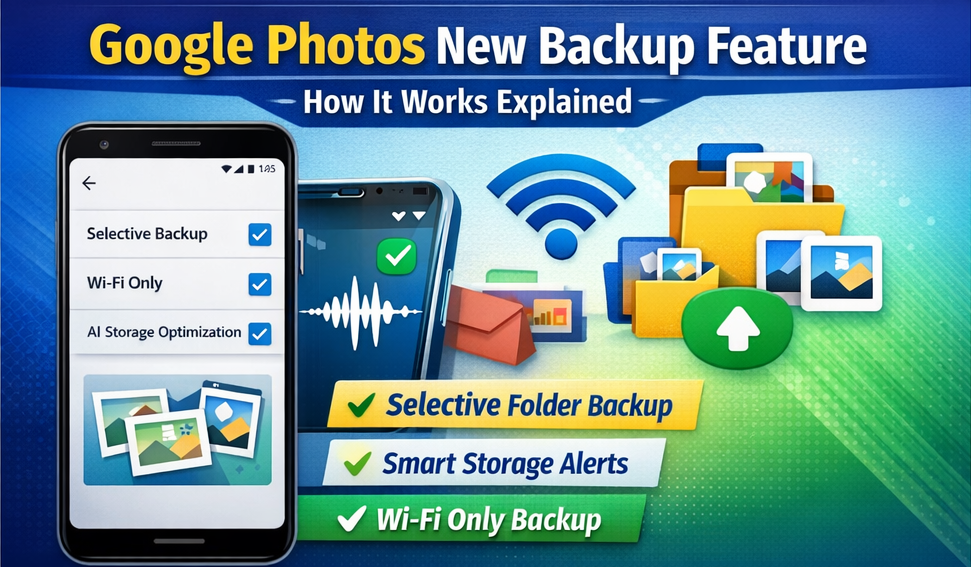
Google Photos New Backup Feature — How It Works (Full Explained)
Google Photos has introduced a new Smart Backup feature that gives users more control over storage, upload quality, and backup scheduling. This update helps save data, manage space, and avoid unwanted auto-uploads.
Here’s how the new backup feature works and how to use it.
🔹 What’s New in Google Photos Backup?
The latest update introduces:
Selective Folder Backup
Backup Over Wi-Fi Only
AI-Based Duplicate Control
Smart Storage Optimization
Backup Pause & Resume
These features help users reduce storage usage while keeping important photos safe.
🛠️ How to Use the New Backup Feature
Open Google Photos
Tap your Profile Icon
Select Photos Settings
Tap Backup
Choose from the new options:
Backup quality
Selected folders only
Wi-Fi backup preference
Pause / Resume backup
📁 Selective Folder Backup
You can now choose which folders to back up:
Camera
Screenshots
WhatsApp Images
Downloads
Social Media folders
This prevents unwanted memes and status images from filling your cloud storage.
🤖 AI Smart Storage Optimization
Google Photos now detects:
Duplicate images
Blurry photos
Low-quality screenshots
You’ll get suggestions to delete or compress files to save storage.
📶 Backup Over Wi-Fi or Mobile Data
Users can choose:
Wi-Fi only (recommended)
Wi-Fi + Mobile data
Manual backup
Great for users with limited data plans.
❓ FAQ
Q. Will deleted photos remain in Google Photos?
Deleted files go to Trash for 60 days before permanent removal.
Q. Does selective backup affect old photos?
No — it applies only to future uploads.
Q. Is AI optimization automatic?
Yes, but you choose whether to apply suggestions.
🏁 Final Takeaway
The new Google Photos backup feature gives users better storage control, smarter organization, and efficient backup management — especially useful for smartphones with limited storage.